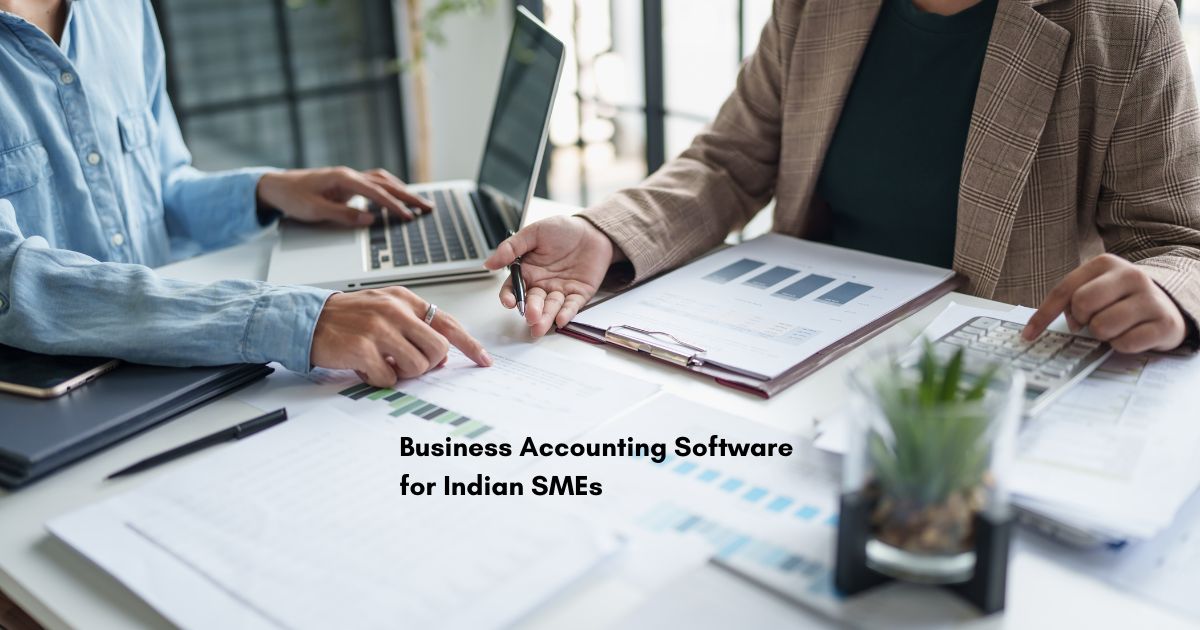
Complete Guide to Business Accounting Software for Indian SMEs
Managing finances efficiently is the backbone of every successful small and medium enterprise (SME) in India. As businesses grow beyond manual ledgers and spreadsheets, adopting the right business accounting software becomes not just beneficial it’s essential for survival and growth in today’s competitive digital economy.
This comprehensive guide explores everything Indian SMEs need to know about selecting, implementing, and maximizing accounting software to streamline operations, ensure GST compliance, and make data-driven financial decisions.
Why Indian SMEs Need Accounting Software
India’s 63 million MSMEs are the backbone of the nation’s economy. With the government pushing digital adoption through GST mandates, UDYAM registration, and startup incentives, choosing the right accounting tool has shifted from convenience to necessity.
Manual accounting methods in India’s dynamic tax landscape are like navigating complex highways with outdated maps inefficient and fraught with risk. Manual ledgers and spreadsheets are highly susceptible to human error, leading to incorrect GST filings, missed tax deadlines, and potential penalties.
The True Cost of Manual Processes
Processing a single invoice manually costs between ₹250-₹400 when factoring in staff time, error correction, and associated delays. For Indian SMBs dealing with GST complexities, multiple approval hierarchies, and integration challenges, these costs compound quickly.
Manual accounts payable processing includes visible costs like staff salaries, paper, printing, and storage, plus hidden costs such as processing delays, duplicate payments, missed early payment discounts, and strained vendor relationships.
Key Benefits of Accounting Software for SMEs
Modern accounting software delivers measurable returns that transform business operations:
Time Efficiency and Automation
Automated accounting processes streamline the entire workflow, from calculating wages and deductions to generating financial reports. Employee self-service features empower staff to manage their own data, reducing the burden on HR and finance teams.
Small business accounting software saves up to 100 hours per month on reporting tasks, allowing teams to focus on strategic initiatives rather than administrative work.
Improved Accuracy and Compliance
Automation eliminates manual data entry errors and provides accurate financial reports. For Indian businesses, GST-compliant accounting software automatically calculates taxes, generates GST-compliant invoices with HSN/SAC codes, and simplifies return filing.
Software stays updated with the latest tax laws and regulations, ensuring timely compliance and avoiding costly penalties.
Enhanced Financial Visibility
Real-time reporting provides instant insights into income, expenses, and overall financial health. Customizable dashboards highlight critical KPIs like cash flow, burn rate, and profit margins, enabling faster, more informed decision-making.
Cost Savings and ROI
With proper implementation, accounting software delivers ROI ranging from 106% to 250% within the first year. Businesses achieve savings through reduced labor costs, faster processing cycles, elimination of paper-based workflows, avoided late payment fees, and captured early payment discounts.
Essential Features to Look for in Accounting Software
When evaluating accounting software like Aero POS by Webtirety, Indian SMEs should prioritize these critical features:
GST Compliance and Tax Management
- Automated GST calculation and invoice generation with GSTIN details
- Support for all GST return forms (GSTR-1, GSTR-2A, GSTR-3B, GSTR-9)
- E-invoicing capabilities for B2B transactions
- HSN/SAC code integration
- Automated reconciliation between GSTR-1 and GSTR-2A
Core Accounting Functions
- General ledger management
- Accounts payable and receivable tracking
- Bank reconciliation with automatic transaction imports
- Multi-currency support for international operations
- Double-entry bookkeeping
Invoicing and Billing
- Professional, customizable invoice templates
- Recurring billing and subscription management
- Multiple payment gateway integrations (PayPal, Razorpay, Stripe)
- Automated payment reminders
- Digital payment options
Inventory Management
- Real-time stock tracking
- Automated inventory updates with sales
- Low stock alerts
- Purchase order management
- Multi-location inventory support
Financial Reporting
Payroll Processing
- Automated salary calculations
- Statutory deductions (PF, ESI, TDS)
- Pay slip generation
- Form 16 and other compliance documents
Multi-User Access and Collaboration
- Role-based access controls
- Multiple user licenses
- Secure cloud storage with automatic backups
- Real-time collaboration features
Cloud vs Desktop Accounting Software: Making the Right Choice
Indian SMEs must decide between cloud-based and desktop accounting solutions:
Cloud Accounting Advantages
- Access data anytime, anywhere from any device
- Automatic software updates and security patches
- Automatic daily backups with enterprise-grade security
- Scalable, add users and features as you grow
- Lower upfront costs with subscription pricing
- Lifetime (one-time pricing) Plan available e.g. in Webtirety Aero POS
Cloud Accounting Limitations
- Requires stable internet connectivity
Desktop Accounting Limitations
- Accessible only from installed computers
- Manual backups required
- Manual software updates and installations
- Difficult to scale for multiple users or locations
- Limited integration capabilities
The Verdict for Indian SMEs
Cloud-based accounting is better for managing financial processes in 2025. It saves time, reduces costs, enhances scalability, and enables remote, working critical for modern businesses. The only potential concern, information security, can be significantly improved through multi-factor authentication and encryption.
Top Accounting Software Options for Indian SMEs
Based on comprehensive market research, here is the leading solutions for 2025:
Best for businesses needing integrated ERP with accounting, CRM, HRM, and POS modules.
Key Features: All-in-one business management with Accounting, Invoicing, Inventory, POS, CRM, multi-location support, Business essential Tools, GST Compliance, GST Report, Asset management, Modules for specific businesses.
Ideal for: SMEs wanting unified software for entire business operations.
How to Choose the Right Accounting Software: A Decision Framework
Follow this systematic approach to select the best solution:
Step 1: Assess Your Business Needs
- Business size and number of users
- Industry-specific requirements (retail, manufacturing, services)
- Transaction volume
- Inventory complexity
- Multi-location operations
- Integration needs with existing systems
Step 2: Define Essential vs. Nice-to-Have Features
Create a prioritized checklist with must-have features at the top. For most Indian SMEs, GST compliance is non-negotiable.
Step 3: Set a Realistic Budget
Accounting software for small businesses generally ranges from ₹350 to ₹2,000 per month for cloud solutions, or ₹10,000-₹20,000 annually for desktop versions.
Consider total cost of ownership including:
- Software licensing/subscription fees
- Implementation and setup costs
- Training expenses
- Ongoing maintenance and support
- Hidden fees for additional users, storage, or features
Step 4: Evaluate Ease of Use
The best accounting software is one your team can effectively use. Look for:
Step 5: Test Before Committing
Take advantage of free trials (typically 14-30 days) to evaluate software in your actual business environment. Test critical workflows like invoice creation, GST return preparation, and report generation.
Step 6: Verify Scalability
Choose software that can grow with your business, supporting increased users, transaction volumes, and additional features as needed.
Step 7: Check Integration Capabilities
If you need, Ensure the software integrates seamlessly with your website, payment gateways, CRM, inventory systems, and the GST Compliance.
Step 8: Assess Security and Compliance
Verify that the software provides:
- Data encryption
- Regular security updates
- Compliance with Indian accounting standards
- Regular automated backups
- Role-based access controls
Common Implementation Challenges and Solutions
Understanding potential obstacles helps SMEs prepare for successful deployment:
Challenge 1: Lack of Accounting Knowledge
Many small business owners have limited understanding of accounting principles and regulations, making software setup difficult.
Solution: Opt for software with strong customer support, training resources, and user-friendly interfaces. Consider working with implementation partners or accountants during setup.
Challenge 2: Resource Limitations
SMEs often lack dedicated IT personnel for software implementation and management.
Solution: Choose cloud-based solutions requiring minimal technical expertise. Use phased implementation approaches, starting with core features and gradually adding complexity. Consider hybrid approaches combining external expertise for setup with internal team training.
Challenge 3: Data Migration Complexities
Moving historical data from manual systems or legacy software can be error-prone and time-consuming.
Solution: Plan data migration carefully. Clean and organize data before migration. Start with a pilot migration to identify issues. Verify data accuracy post-migration before going live.
Challenge 4: User Adoption Resistance
Employees comfortable with existing methods may resist change.
Solution: Communicate benefits clearly. Provide comprehensive training. Involve key users in software selection. Offer ongoing support during transition.
Challenge 5: Cost Concerns
Budget-conscious SMEs worry about both initial investment and hidden costs.
Solution: Conduct thorough cost-benefit analysis. Choose scalable pricing models. Factor in long-term savings from efficiency gains. Consider cloud solutions with lower upfront costs.
Calculating Your Accounting Software ROI
Quantify the financial impact to justify your investment:
ROI Formula:
ROI = [(Total Annual Savings – Annual Software Cost) / Annual Software Cost] × 100
Example Calculation:
For a business with monthly savings of ₹25,000 from:
- Reduced manual labor (₹15,000)
- Eliminated late payment penalties (₹3,000)
- Faster invoice processing (₹4,000)
- Early payment discounts captured (₹3,000)
Annual savings = ₹25,000 × 12 = ₹3,00,000
Annual software cost = ₹10,000
ROI = [(₹3,00,000 – ₹10,000) / ₹10,000] × 100 = 2,900%
This represents a substantial return demonstrating the software’s value.
Best Practices for Maximizing Accounting Software Benefits
Maintain Data Accuracy
Ensure timely, accurate data entry. Implement validation checks. Reconcile bank accounts regularly. Store digital copies of receipts and invoices.
Leverage Automation
Set up recurring invoices and payments. Enable automated payment reminders. Configure automatic bank feeds. Use workflow approvals for expense management.
Generate Regular Reports
Create monthly financial statements. Monitor key performance indicators. Track cash flow projections. Analyze expense patterns.
Stay Updated
Install software updates promptly for security and new features. Keep informed about changing GST regulations. Attend vendor webinars and training sessions.
Optimize Working Capital
Use Days Payable Outstanding (DPO) management features. Schedule payments strategically to optimize cash flow. Capture early payment discounts when beneficial.
Future Trends in Accounting Software
AI-Powered Automation
Artificial intelligence is revolutionizing accounting with automated data entry from invoices and receipts, intelligent reconciliation matching thousands of transactions in minutes, and predictive analytics for cash flow forecasting.
Mobile-First Solutions
Mobile apps enabling on-the-go invoice creation, expense tracking through receipt scanning, and real-time financial dashboards accessible from smartphones are becoming standard.
Enhanced Integration Ecosystems
Seamless connectivity with banking, e-commerce platforms, CRM systems, inventory management, and HR software creates unified business management platforms.
Advanced Analytics and Insights
Beyond basic reporting, modern software provides unit economics analysis, customer lifetime value calculations, profitability by product/service, and scenario planning for strategic decisions.
Conclusion: Taking the Next Step
Selecting the right business accounting software is one of the most important decisions Indian SMEs will make for their financial health and growth trajectory. The software you choose becomes the foundation for accurate financial management, regulatory compliance, and strategic decision-making.
By understanding your specific business needs, evaluating features systematically, considering both cloud and desktop options, and planning for successful implementation, you can select software that delivers measurable ROI while positioning your business for sustainable growth.
For Indian SMEs ready to modernize their financial operations, solutions like Webtirety Aero POS ERP offer comprehensive business management capabilities combining accounting, invoicing, inventory, CRM, HRM, and POS in one integrated platform designed specifically for Indian businesses. With features tailored to GST compliance, multi-location support, and scalable pricing, Webtirety provides the tools SMEs need to compete effectively in today’s digital economy.
Ready to transform your business accounting? Explore how the right accounting software can streamline operations, ensure compliance, and provide the financial insights needed to drive growth. Contact Webtirety Software at +91 9348925516 to discover how integrated business management solutions can take your SME to the next level.
❓Frequently Asked Questions
The best software depends on your specific needs. Aero POS ERP excels for cloud-first startups, TallyPrime suits businesses needing robust desktop solutions, and Webtirety Aero POS ERP is ideal for integrated business management with accounting, CRM, and POS.

How to Choose a SaaS Vendor:


I’m Manas Ranjan Sahoo: Developer/Founder of “Webtirety Software”. I’m a Full-time Software Professional and committed to expanding Webtirety Software into a thriving platform that empowers businesses and individuals alike. I love to Write Blogs on Software, Technology, eCommerce, SEO, and Digital Marketing.